Tenerife, Îles Canaries, Espagne
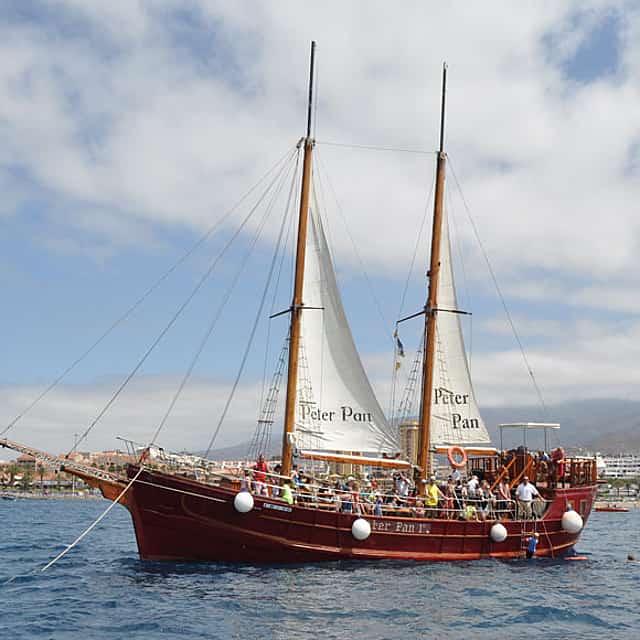
Tour d'observation des baleines à Tenerife sur le bateau Peter Pan.
2 heures
21 vues récemment
À partir de€27.00/ personne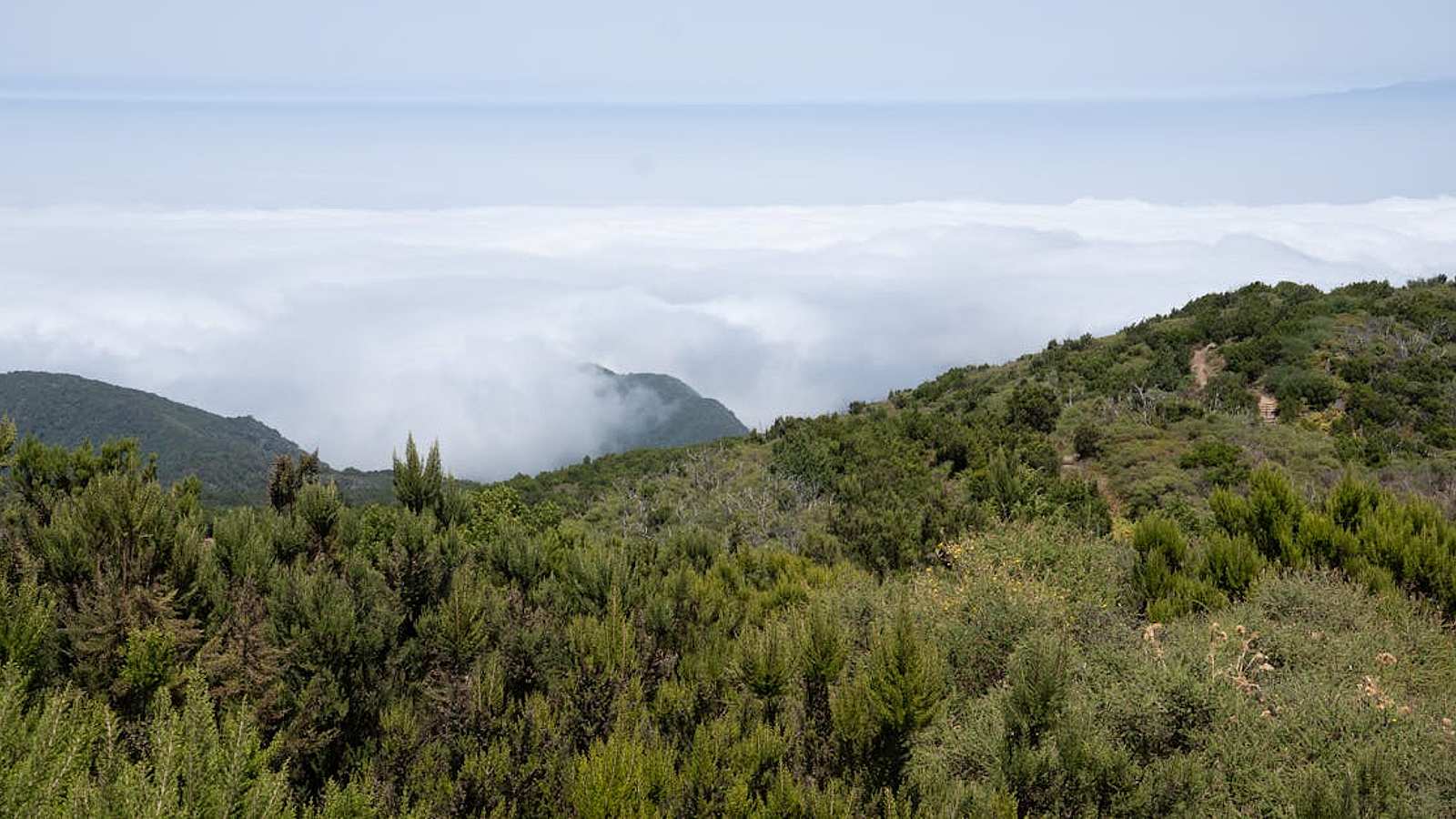
Guide du pays
L'Espagne du grand air, telle qu'elle se réserve, a trois centres de gravité. Majorque, le premier et le plus vaste : la Serra de Tramuntana le long de la côte nord-ouest, les lacets qui descendent à Sa Calobra, le cap de Formentor, les grottes de Porto Cristo et leur lac souterrain, Valldemossa, Deià et Sóller sur la route de montagne. La Catalogne, le deuxième : Montserrat, massif dentelé au monastère encastré, à une heure de Barcelone, par train à crémaillère et le plus souvent associé à une cave de cava ; et les criques de la Costa Brava, journées en bateau au départ de Tossa de Mar. Les Canaries, le troisième : le cratère du Teide à 3 715 mètres, le canal des baleines au sud de Tenerife où les globicéphales restent toute l'année, les ravins de la Grande Canarie.
Les formats se répètent. Les bateaux forment l'ossature : voile depuis Palma et Ibiza jusqu'à Formentera, catamarans avec arrêt baignade, et le petit llaüt traditionnel, qui bat les gros bateaux à quatre. À terre, la route de montagne avec un chauffeur qui sait où s'arrêter. Puis l'air : hélicoptères au-dessus de la Tramuntana, court, cher et, pour une fois, justifié. Ibiza ajoute le tout-terrain pour les pistes de l'intérieur, Séville la planche à pagaie sur le Guadalquivir, Tenerife une soirée sur le Teide sous un ciel assez noir pour les observatoires.
Pratique. Presque tout existe en double : une place en groupe pour le prix d'un bon déjeuner, ou le bateau, la voiture, l'appareil entier pour soi à plusieurs fois ce prix, ce qui renverse le calcul dès qu'on est quatre. Les sorties côtières sont annulées pour vent le matin même et l'argent rendu : prévoyez une journée de battement sur un court séjour ; les créneaux du coucher de soleil et les fins de semaine partent en premier. Majorque et la Costa Brava tournent de mars à novembre ; les Canaries n'ont pas de morte-saison et janvier y est plus chargé que juin. Prévoir deux climats si les Canaries sont de la partie, la côte à 22 °C et le Teide sous zéro le même jour, et des chaussures d'eau pour les criques des Baléares, de pierre et non de sable. Skippeurs et guides se remercient en monnaie, pas en pourcentages.
Tenerife, Îles Canaries, Espagne
2 heures
21 vues récemment
À partir de€27.00/ personne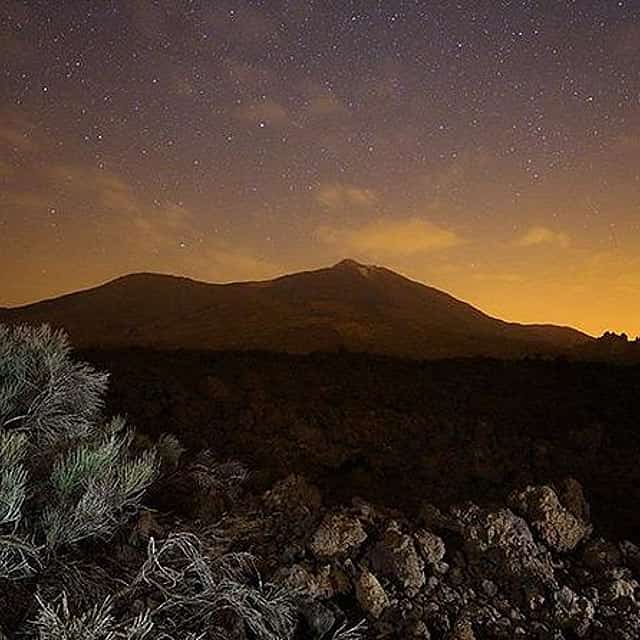
Tenerife, Îles Canaries, Espagne
8 heures
À partir de€61.00/ personne
Espagne
2 heures
15 vues récemment
À partir de€30.00/ personne
Barcelone, Espagne
5 h 30 min
32 vues récemment
À partir de€14.00/ personne
Séville, Espagne
2 jours
39 vues récemment
À partir de€325.00/ personne
Girona, Espagne
9 heures
23 vues récemment
À partir de€360.00/ personne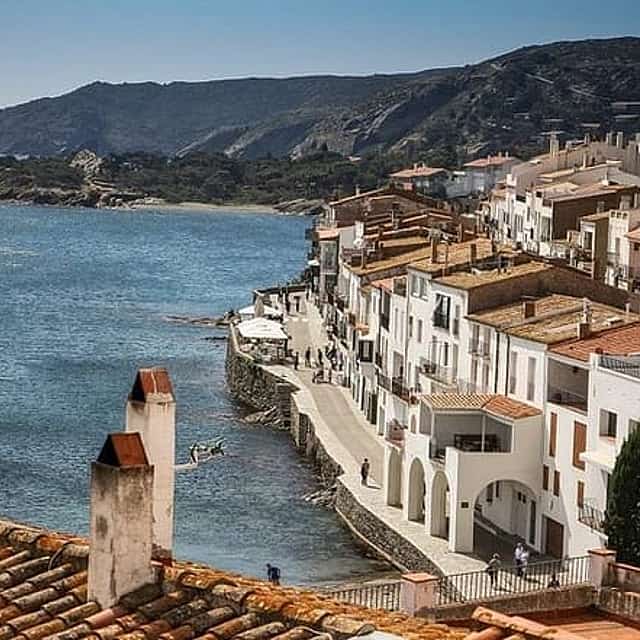
Espagne
11 heures
13 vues récemment
À partir de€700.00/ personne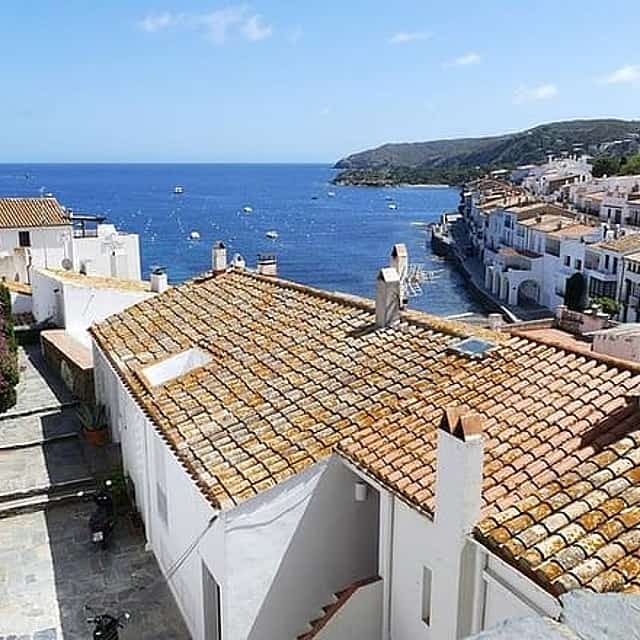
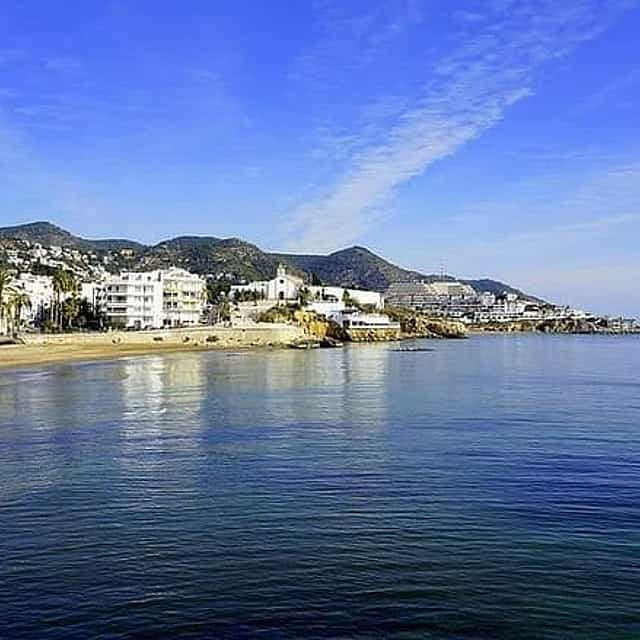
Barcelone, Espagne
9 heures
21 vues récemment
À partir de€390.00/ personne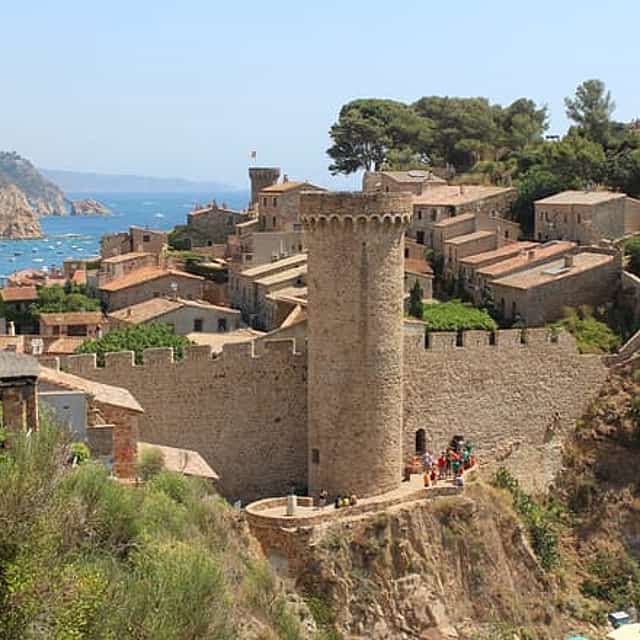
Barcelone, Espagne
9 heures
25 vues récemment
À partir de€57.00/ personne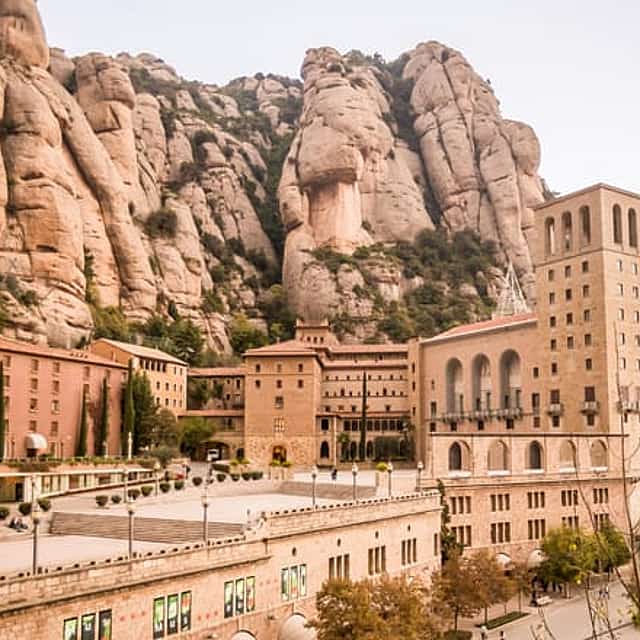
Espagne
9 heures
18 vues récemment
À partir de€107.00/ personne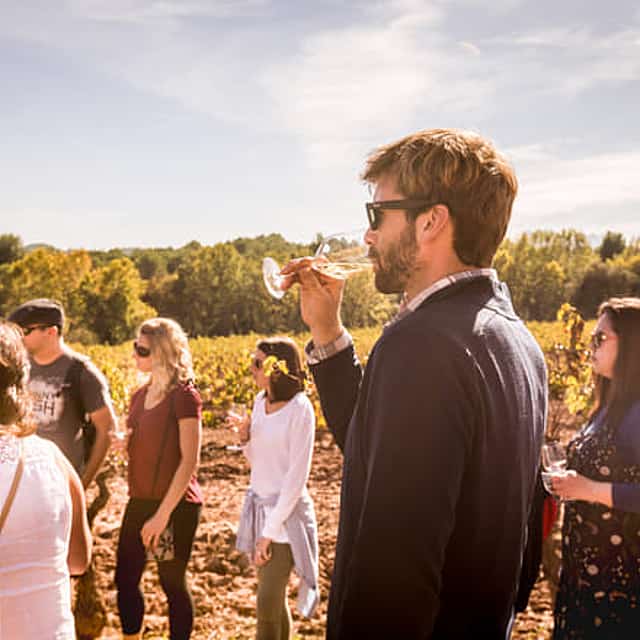
Espagne
7 h 30 min
16 vues récemment
À partir de€89.00/ personne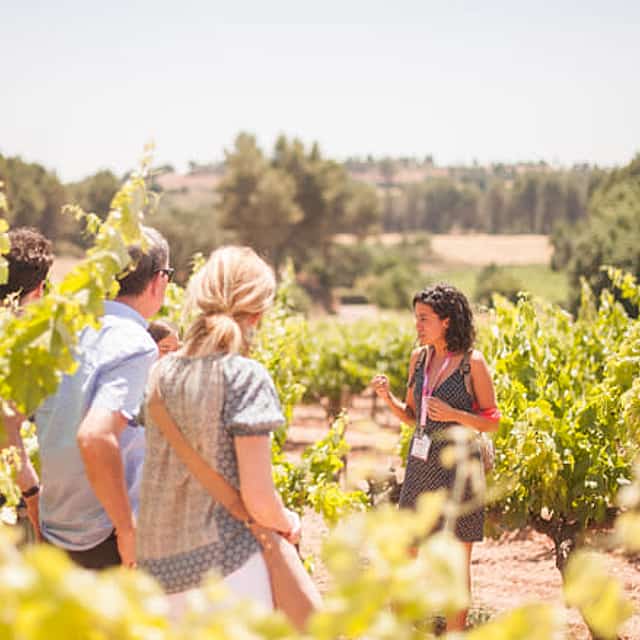
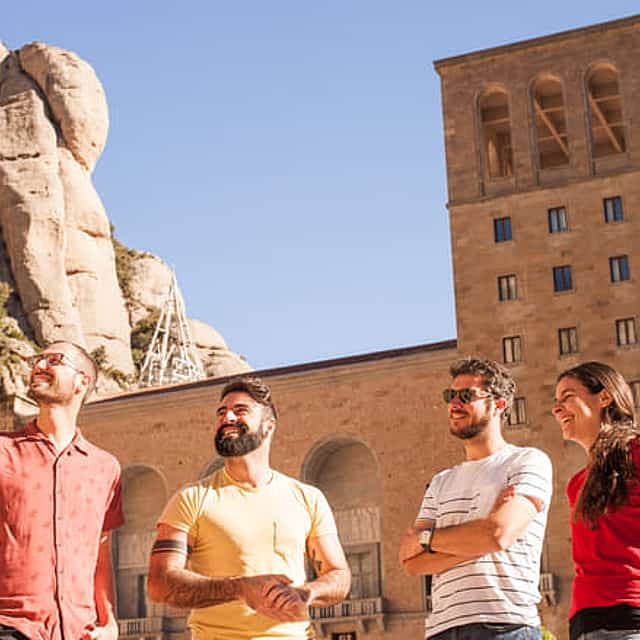
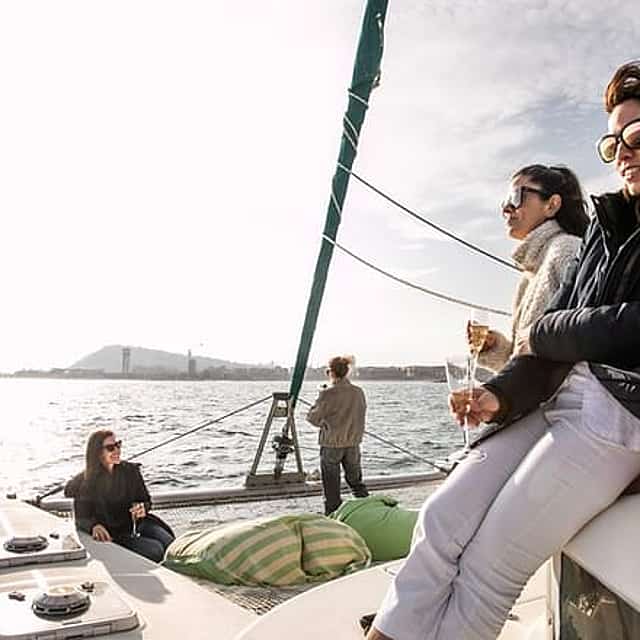
Barcelone, Espagne
2 heures
23 vues récemment
À partir de€269.00/ personne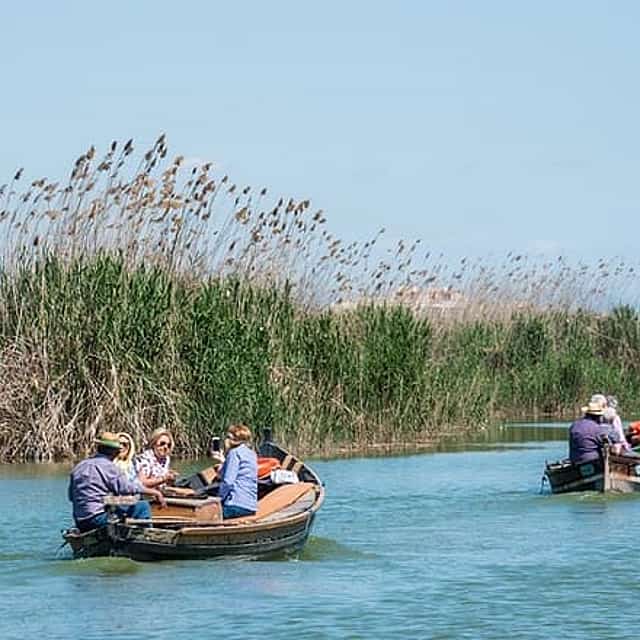
Valence, Espagne
6 heures
15 vues récemment
À partir de€445.00/ personne
Ibiza, Espagne
8 heures
24 vues récemment
À partir de€120.00/ personne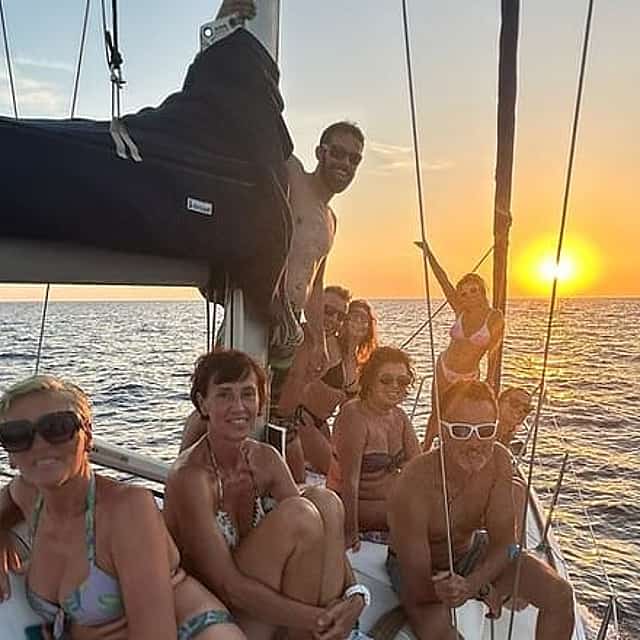
Ibiza, Espagne
8 heures
16 vues récemment
À partir de€950.00/ personne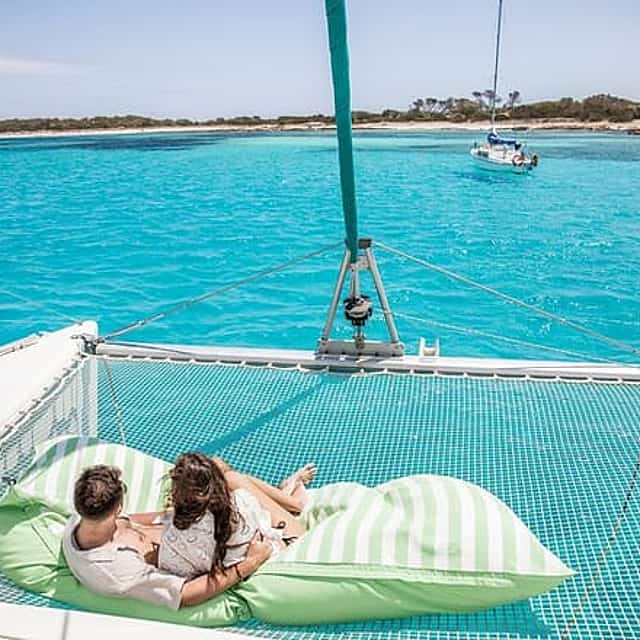
Ibiza, Espagne
8 h 30 min
14 vues récemment
À partir de€140.00/ personne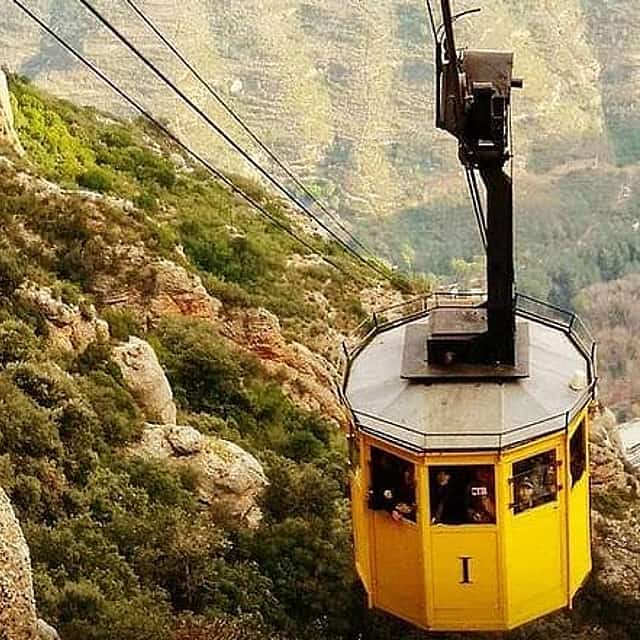
Barcelone, Espagne
5 h 30 min
15 vues récemment
À partir de€421.00/ personne
Ibiza, Espagne
2 h 30 min
À partir de€199.00/ personne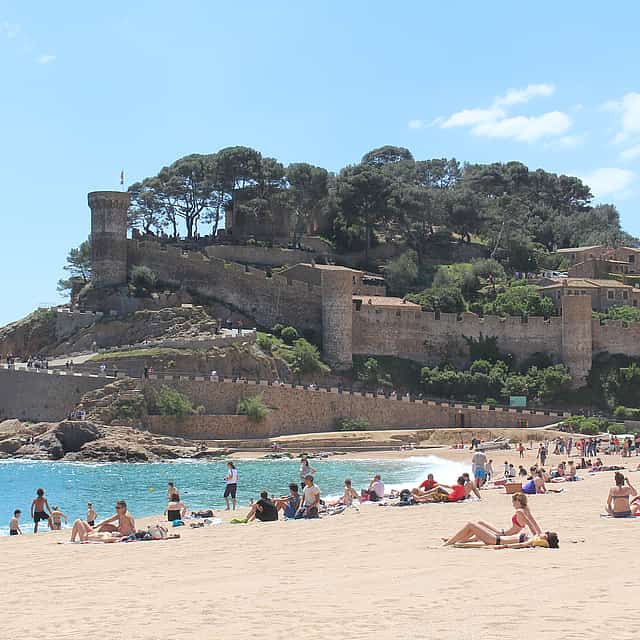
Barcelone, Espagne
9 heures
16 vues récemment
À partir de€39.00/ personne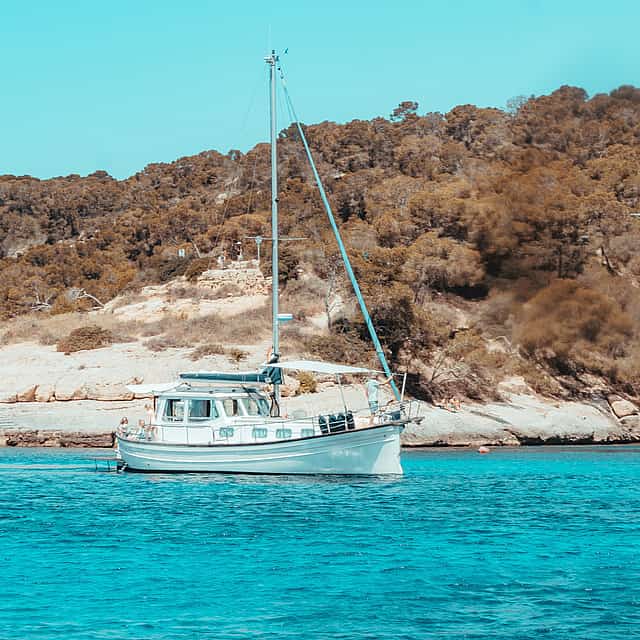
Mallorca., Espagne
4 heures
14 vues récemment
À partir de€99.00/ personne
Palma, Mallorca., Espagne
8 heures
23 vues récemment
Dites-nous ce que vous préparez et des hôtes locaux vous enverront des propositions adaptées à vos dates, votre groupe et votre budget.