
Manchester, United Kingdom
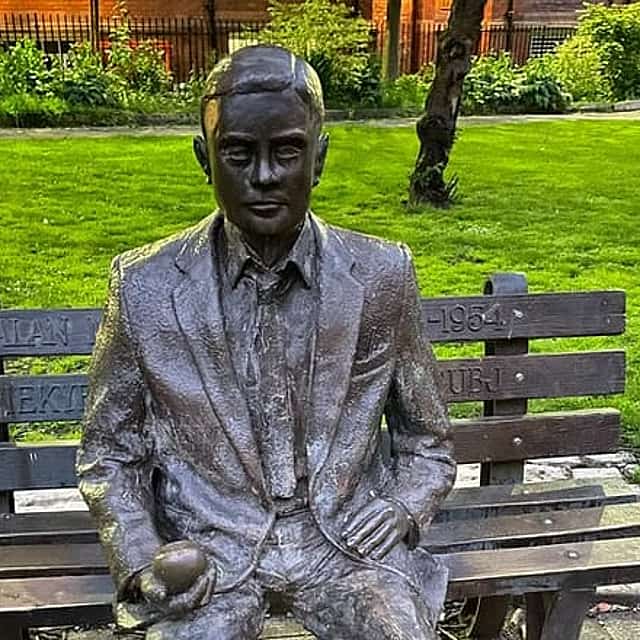
Alan Turing's Manchester: City Exploration Game
1h 45m
27 views recently
From€9.84/ personDiscover Manchester’s Street Art by solving challenges and unlocking stories on your phone. As you solve challenges, the story unfolds and directions on your…
Cancellation policy
Review the supplier policy below before booking.
Duration 1h 25m
Duration supplied by the experience provider.
Self-guided
No live guide; materials in English.
Group size
1–15 travelers
You will begin at Queen Victoria’s Statue. Here you will be given your first clue to solve the challenge that awaits you, which will unlock the next part of the story and give you the directions to the next stop.
You will be given a new clue to solve the challenge that awaits you at Inhuman Barriers by Nevercrew. You can stop for as long as you like and continue exploring at your own pace.
You will be given a new clue to solve the challenge that awaits you at Ian Curtis Mural. You can stop for as long as you like and continue exploring at your own pace.
You will be given a new clue to solve the challenge that awaits you at The Cutting Room Square. You can stop for as long as you like and continue exploring at your own pace.
You will be given a new clue to solve the challenge that awaits you at Band on the Wall. You can stop for as long as you like and continue exploring at your own pace.
You will be given a new clue to solve the challenge that awaits you at Eleven. You can stop for as long as you like and continue exploring at your own pace.
You will be given a new clue to solve the challenge that awaits you at Anthony Burgess and Hyuro, Cities of Hope. You can stop for as long as you like and continue exploring at your own pace.
You will be given a new clue to solve the challenge that awaits you at Afflecks Palace. You can stop for as long as you like and continue exploring at your own pace.
You will be given a new clue to solve the challenge that awaits you at Back Piccadilly Bee. You can stop for as long as you like and continue exploring at your own pace.
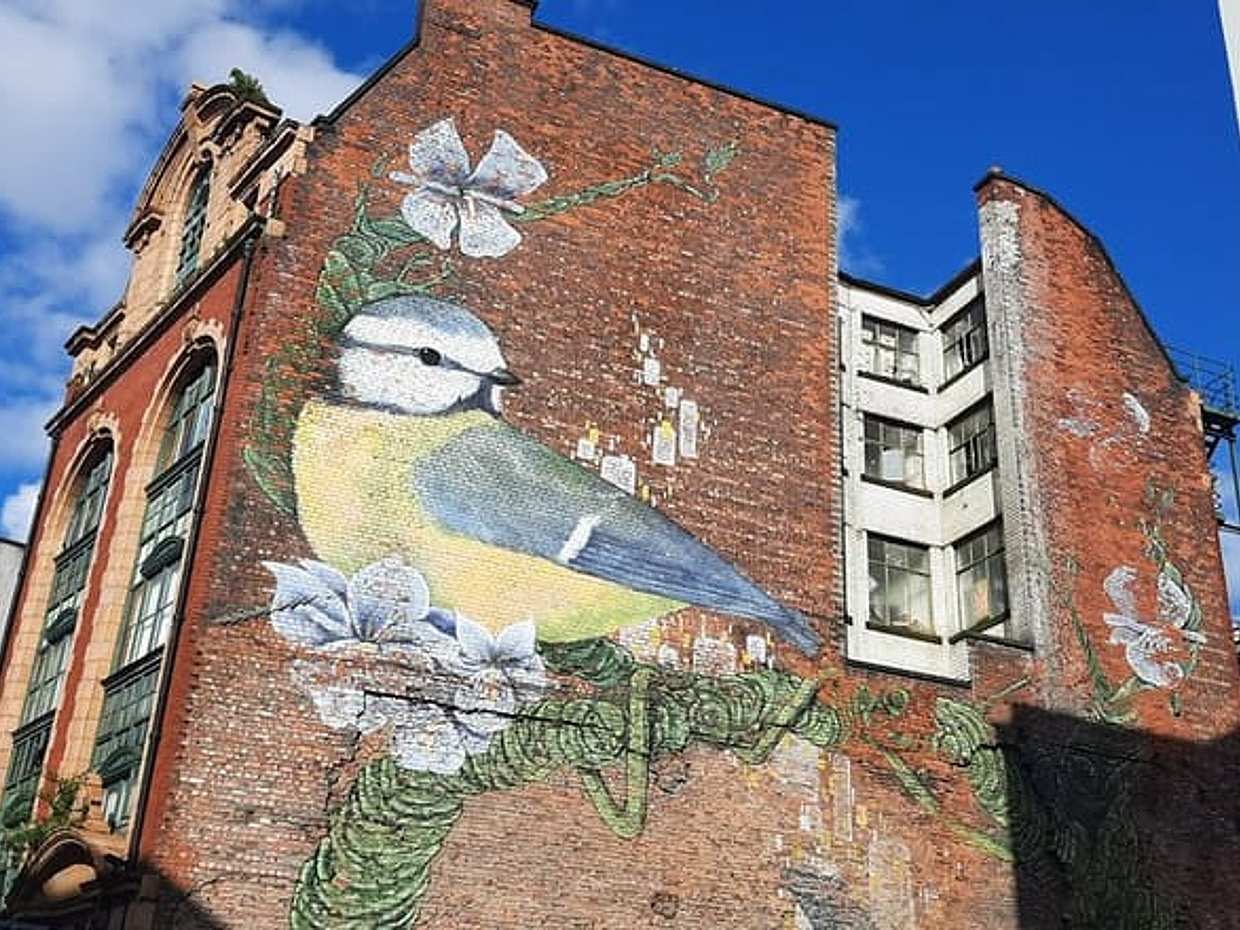
You will be given a new clue to solve the challenge that awaits you at Blue Tit. You can stop for as long as you like and continue exploring at your own pace.
You will be given a new clue to solve the challenge that awaits you at Serenity. You can stop for as long as you like and continue exploring at your own pace.
You will finish at Frank Sidebottom. Here is where both the story and the city exploration games end.
Piccadilly, Greater Manchester, M1 1LU
Not wheelchair accessible Infants must not sit on laps Infant seats unavailable Thank you for booking with Questo. Your code is your booking reference number: the digits after "BR-". Here's how to play it: 1. Activate your quest. Go to the unlock page on the Questo website (questoapp.com/unlock), enter your email and your code. 2. Download the Questo app on your phone (App Store or Google Play) and create an account with the same email used for activation. 3. Once you're logged in to the Questo app, open the Quests section. Your quest will be there, ready to be played. IMPORTANT - Booked more than one ticket? You can invite the other participants right after activating, or later from the Quests section in the app. - If you don't see your quest in the Quests section in the Questo app, tap "Bought a quest somewhere else?" and enter your code again. You can also upload a screenshot of your booking confirmation there. GOOD TO KNOW - The quest is available every day, at any hour. Go to the starting point and begin whenever you're ready. - Download the story and the map before you head out. After that, it works without internet. - Start with at least 50% battery. Still have questions? Send us a message or talk to our customer support at: questoapp.com/chat
Verified Local Host
With GetExperience since 2026
Manchester, United Kingdom
1h 45m
27 views recently
From€9.84/ person
Manchester, United Kingdom
2h 55m
31 views recently
From€8.07/ person
Manchester, United Kingdom
1h 30m
24 views recently
From€9.08/ personFrom€9.08 / group